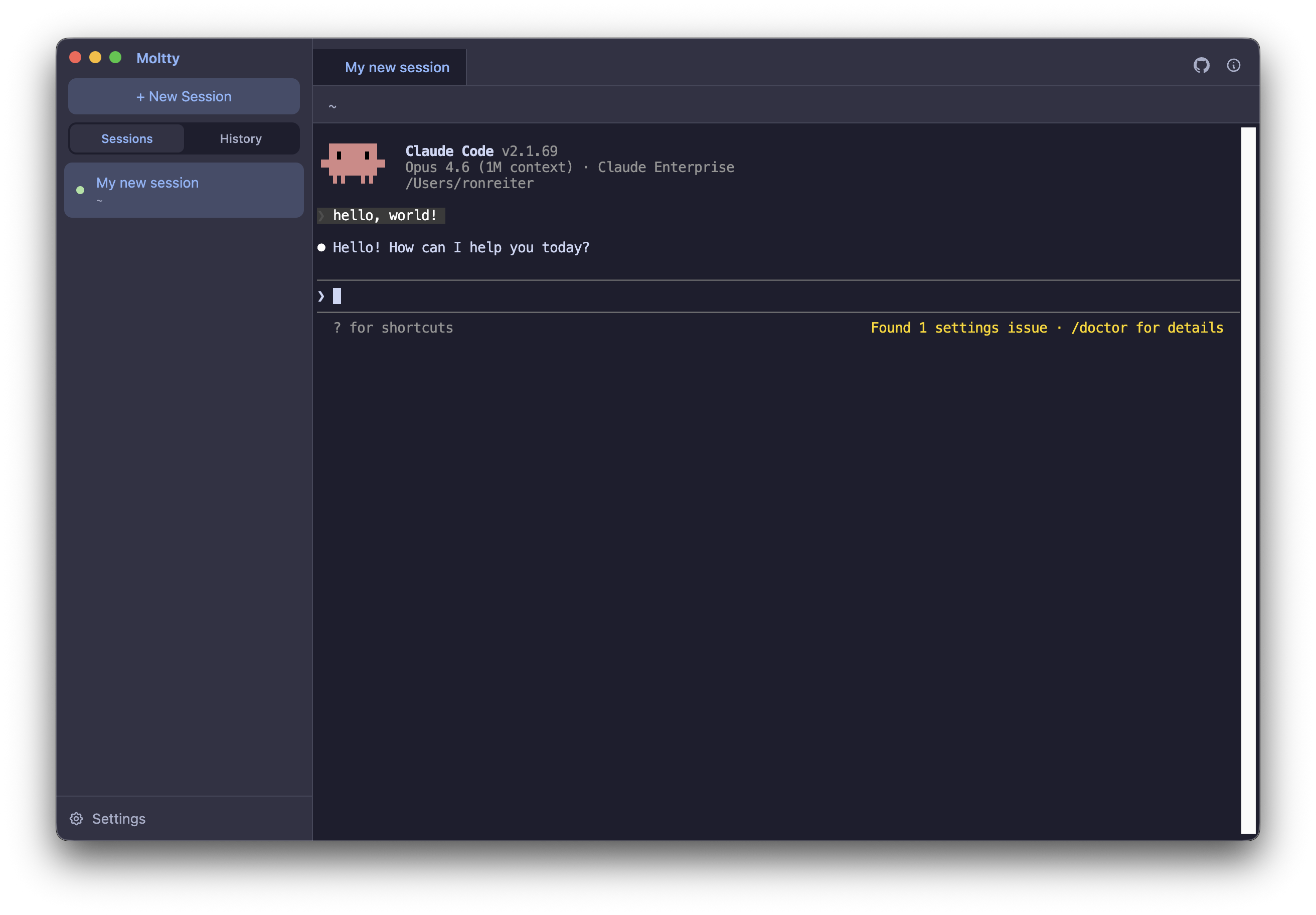
Any AI Tool
Pick your tool on first launch — Claude Code, Gemini CLI, Codex, Aider, OpenCode, Copilot, or Amp. Switch anytime in settings.
Tabbed Sessions
Run multiple sessions in tabs. Drag to reorder. Switch with Cmd+Left/Right. Each tab is an independent terminal.
Session Persistence
Close Moltty, restart your Mac, come back tomorrow — every session automatically resumes exactly where you left off. Works with all supported tools.
Session History
Browse and resume previous conversations. See the working directory, summary, and size of each session at a glance.
Folders & Color Labels
Group sessions into folders by drag-and-drop, collapse what you're not using, and tag with colors for visual grouping. The most recently active sessions float to the top.
Built-in Code Editor
Click any file path in the terminal to open it in a Monaco-based side pane — the same editor that powers VS Code. Edit, save with Cmd+S, keep your flow.
Live Git Branch
The current branch is shown in the header and refreshes every 10 seconds, so you always know which branch the active session is on.
Beautiful UI
Catppuccin dark theme, WebGL-accelerated rendering, in-terminal search with Cmd+F, and a clean native macOS look.
Shell Integration
Optionally loads your .zshrc so your PATH, aliases, and functions are available. Your full dev environment, ready to go.